Rambax Resources
A central index for app-specific help. Simple Transfer is the first section being expanded because it has the largest support load and the strongest search demand.
Simple Transfer guides
iPhone and iPad photo or video transfer help for Windows, Mac, WiFi, USB, iCloud, and pricing questions.
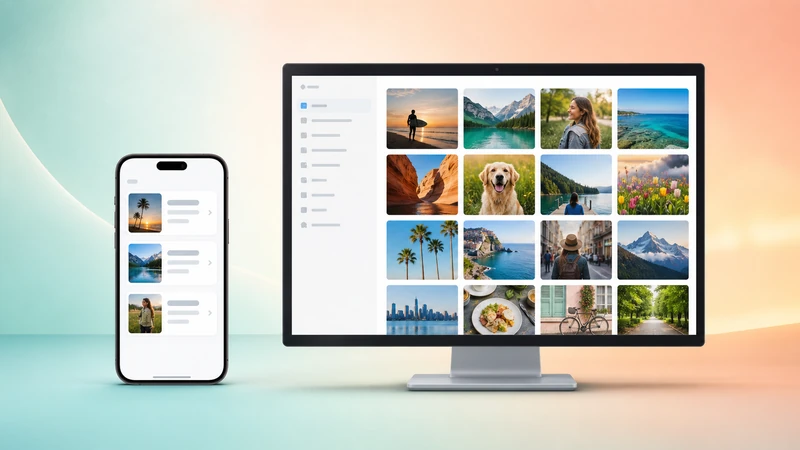
How to Use Simple Transfer
Three steps to transfer photos and videos from iPhone or iPad to Windows or Mac.

Transfer Photos From iPhone to PC
The main guide for copying full-resolution photos and videos to a Windows PC or Mac over WiFi or USB.

Transfer Photos Between iPhone and iPad
Move albums between devices without a computer, cloud upload, or AirDrop.

Transfer Photos from Computer to iPhone
Upload photos and videos from Windows or Mac to your iPhone or iPad over WiFi with no cloud upload.

Install Simple Transfer Desktop on Windows
Install via the Microsoft Store, add a desktop shortcut, and fix common setup problems.

Transfer by USB on Windows or Mac
Cable, Trust This Computer, driver, and stability checks for USB transfer.

Transfer Large iPhone Videos to a Computer
Prepare the phone, choose the right method, and transfer large batches reliably.
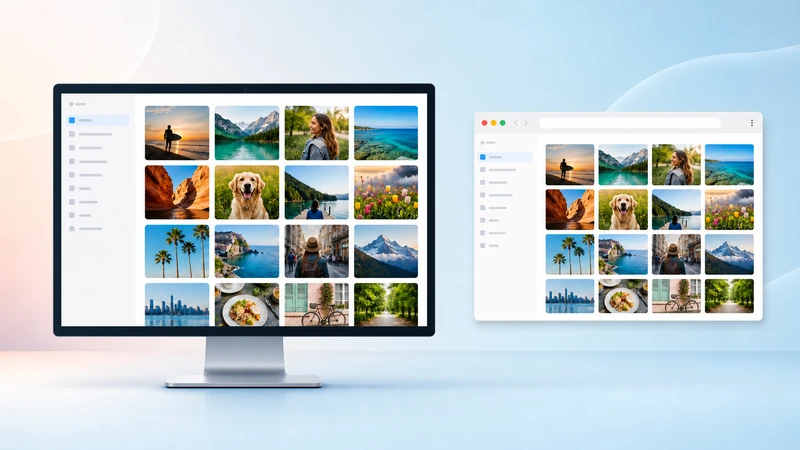
Desktop App vs. Web Browser
Compare USB, destination folders, format conversion, ZIP downloads, and batch size.
Can't Find iPhone or iPad
Use this when the computer cannot find your iPhone or iPad over WiFi.

HEIC and HEVC Compatibility
Fix iPhone format problems on Windows, older Macs, and editing workflows.

Photos or Videos not Showing
Start here when Simple Transfer does not show your whole library.

Slow Transfer Speed
Use this after the devices already connect but downloads are taking too long.
Apple Mobile Device USB Driver
Use this when Windows does not detect your iPhone for USB transfer.
MaxVault guides
Planned next: privacy vault setup, Pocket Files legacy help, transfer to a new phone, break-in reports, and private browser storage.
Current MaxVault FAQUltraScanner guides
Planned next: scan to PDF, sign PDFs on iPhone, OCR troubleshooting, local document storage, and export workflows.
UltraScanner page